

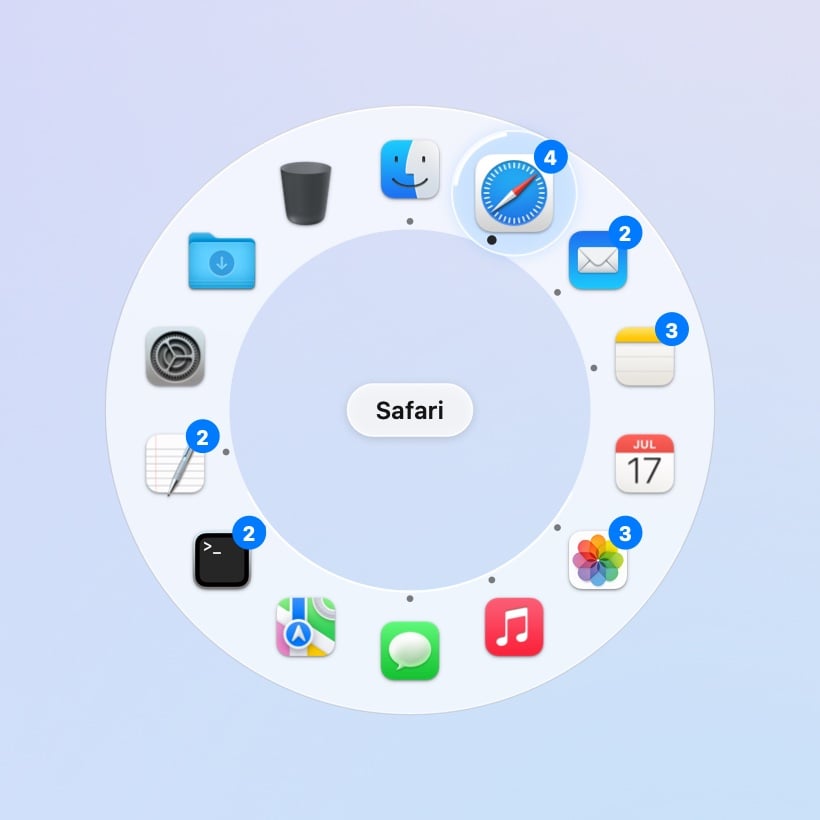
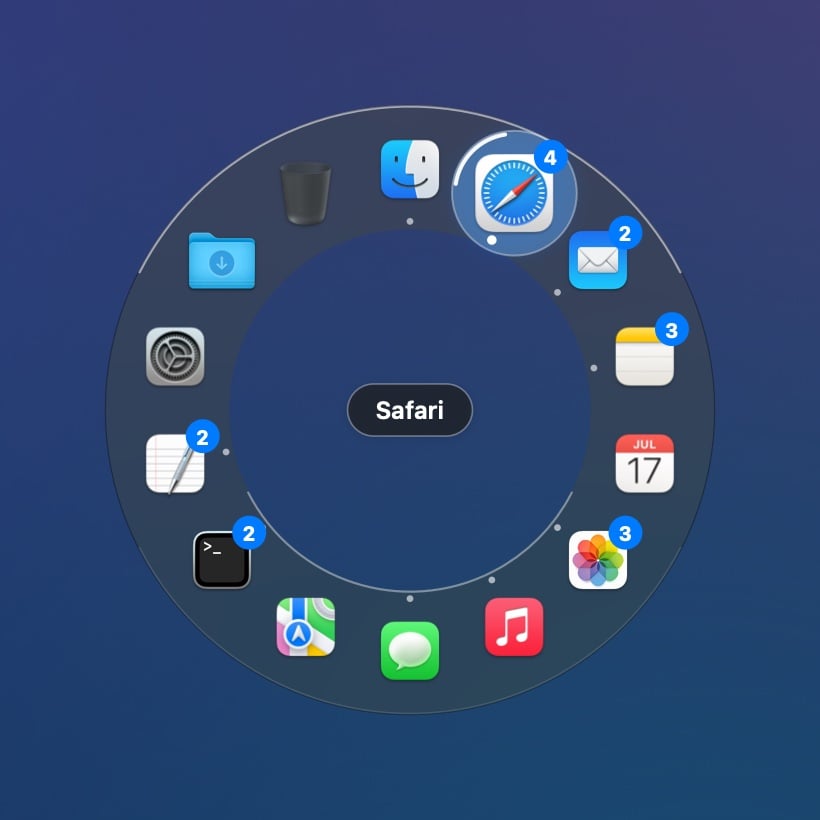
Hold ⌥Space, flick toward an app, let go.
Quickstart
Install Beckon and make your first flick.
The ring
Hold, tap, middle-click, and how Beckon picks an app.
Windows
Reach an app and its windows fan out. Pick the exact one.
Replace the Dock
Pinned apps, folders, the Trash, the Dock’s menu, file drops. Then hide the Dock.
What you need
- macOS 14 Sonoma or later, on Apple silicon or Intel.
- A minute to allow two permissions, if you want windows and thumbnails. Beckon switches apps without either. See Permissions.
Free and Pro
Beckon is free for good: the ring for your open apps, flick and click, your own shortcut, middle-click, and the Glass and Outline looks. Beckon Pro replaces the Dock: your Dock’s apps (running or not), windows and thumbnails, folders and the Trash, the Dock’s right-click menu, dropping files on apps, hiding the Dock, and every look. It’s a one-time purchase for up to 3 Macs. Every download starts with 14 days of Pro. After that Beckon carries on as Free; it never locks. See Free and Pro.What Beckon doesn’t do
- It doesn’t replace ⌘Tab. Keep it for when your hands are on the keyboard. Beckon is for when your hand is on the mouse.
- It doesn’t send anything about you. Your apps, windows, titles and thumbnails never leave your Mac. There’s no account and no analytics. Beckon only checks a licence key you chose to enter, and once a day whether there’s an update.
- It isn’t on the Mac App Store. The App Store doesn’t allow the access Beckon needs to show and raise other apps’ windows. Beckon is signed and notarized by Apple, and comes from withbeckon.app.