

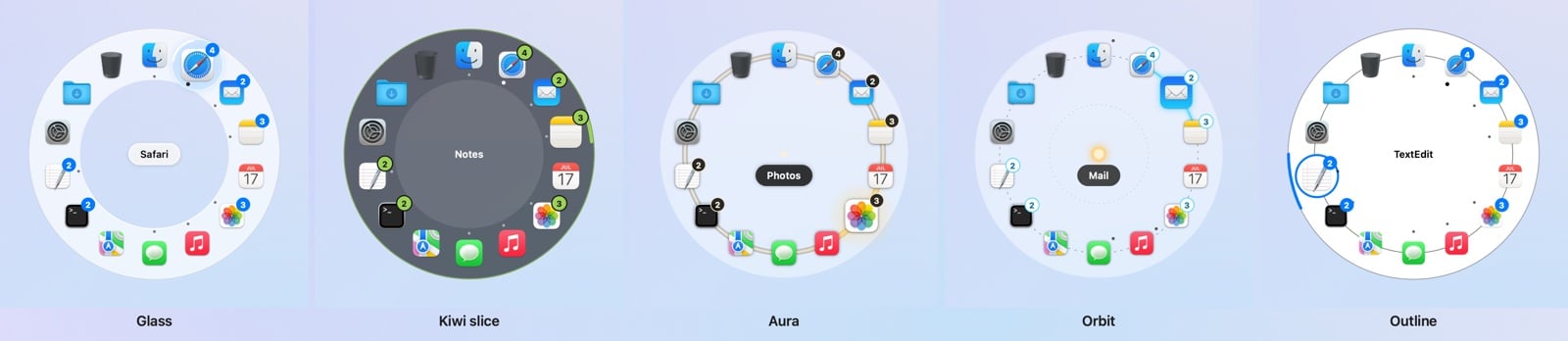
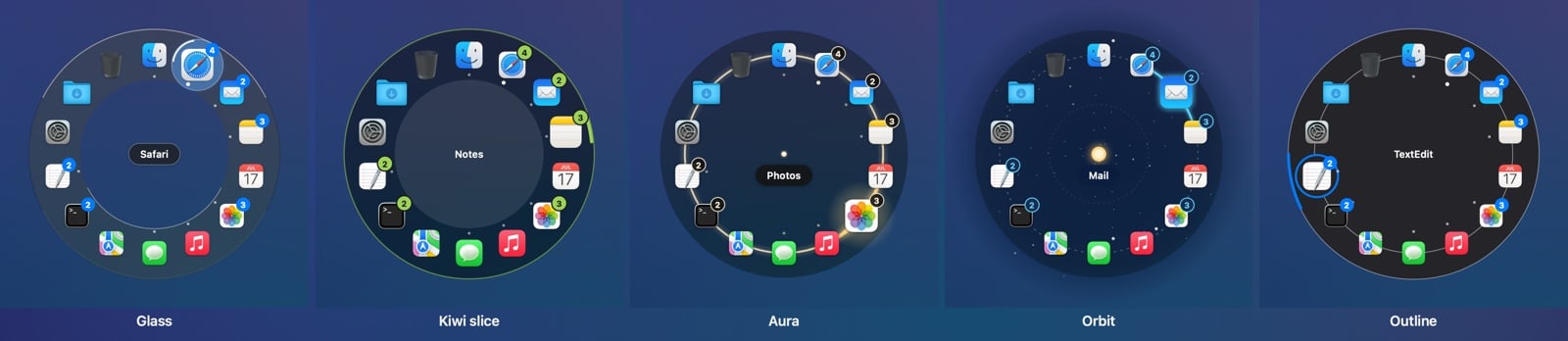
Looks follow Light and Dark Mode, each time the ring opens.
Backgrounds
Kiwi and Aura let you choose what’s behind them, in Settings → Look → Background (each remembers its own):- Frosted disc: a dark frosted disc with a clean edge.
- Soft veil: a frosted lens that fades out at the edge and follows Light and Dark Mode.
- None: see-through.
Outline for accessibility
Use Outline for accessibility is on by default. While Reduce Transparency or Increase Contrast is on (System Settings → Accessibility → Display), the ring uses Outline, whatever look you picked. Turn it off in Settings → Look to keep your look anyway.Without Pro, Kiwi, Aura and Orbit draw as Glass. Your choice is kept, so unlocking Pro brings
it back.