

Windows and thumbnails are in Beckon Pro, and in your 14-day trial. They need the
Accessibility permission; thumbnails also need Screen Recording.
Pick a window
An app with two or more windows has a badge with the number on the ring.1
Reach the app's icon
Its windows open straight away, beyond the ring.
2
Carry on to the window you want
Crossing other apps’ icons on the way doesn’t switch to them.
3
Let go (or click) on it
That exact window comes to the front. Letting go on the app’s icon instead switches to the
app, as usual.
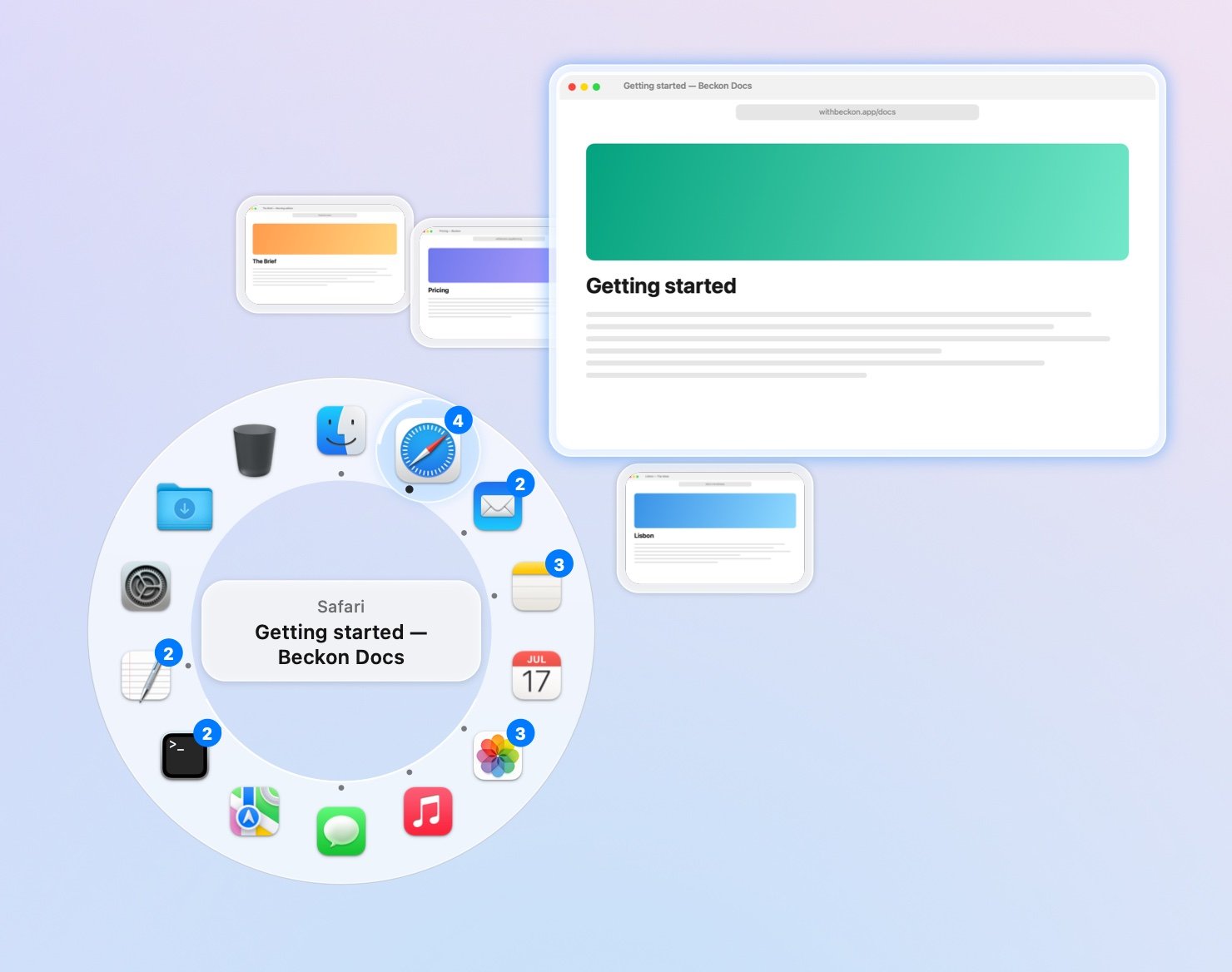
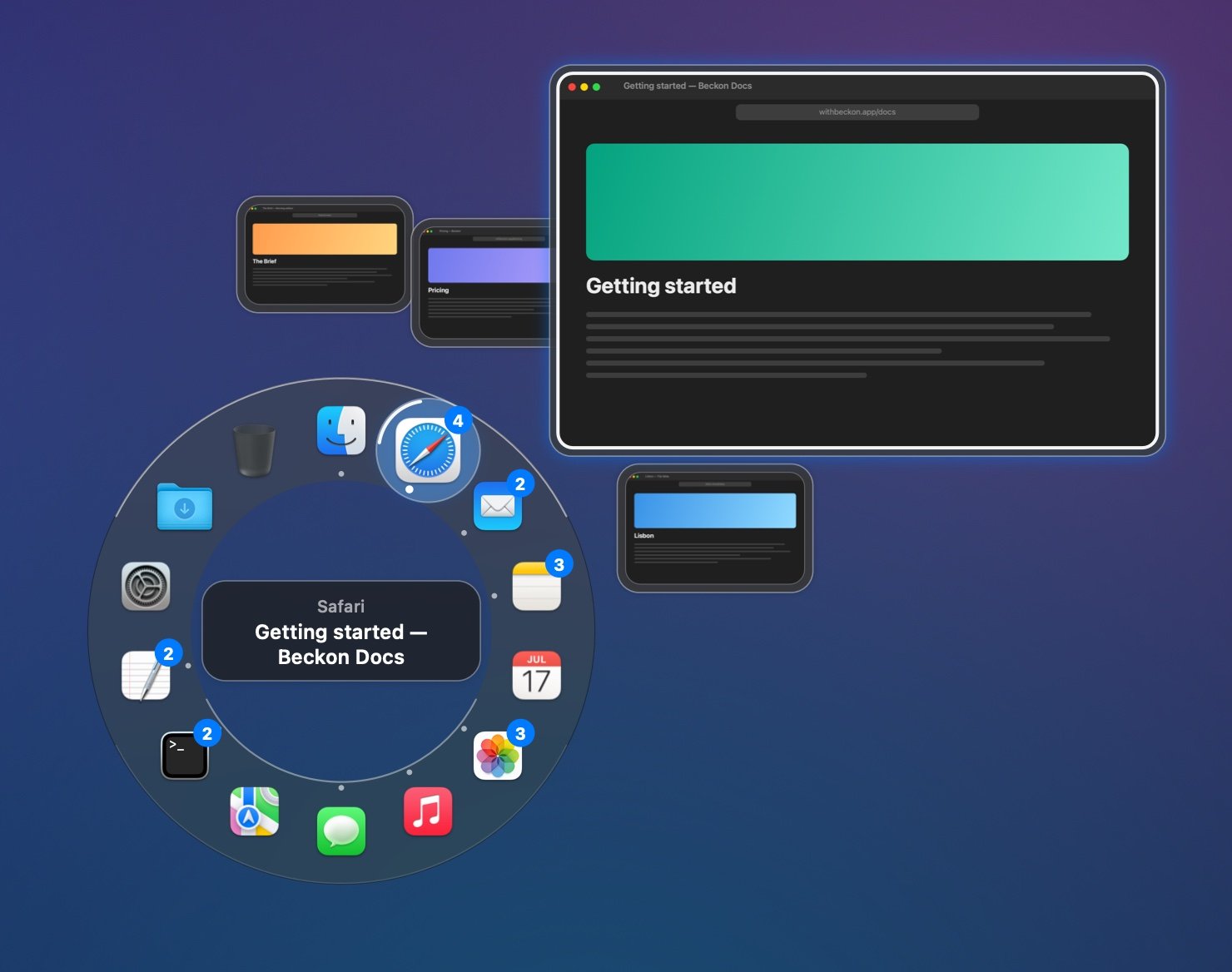
The outer arc, with thumbnails. The window you point at grows.
Arc or column
Choose in Settings → Windows → Show windows as:
Near a screen edge the arc turns away from the edge. If it still can’t fit, the windows open as
a column. A column that can’t fit on the app’s side goes under or over the ring, next to the app;
only if there’s no room there does it open on the far side of the ring. When the windows open
away from the app, a line links them to it.
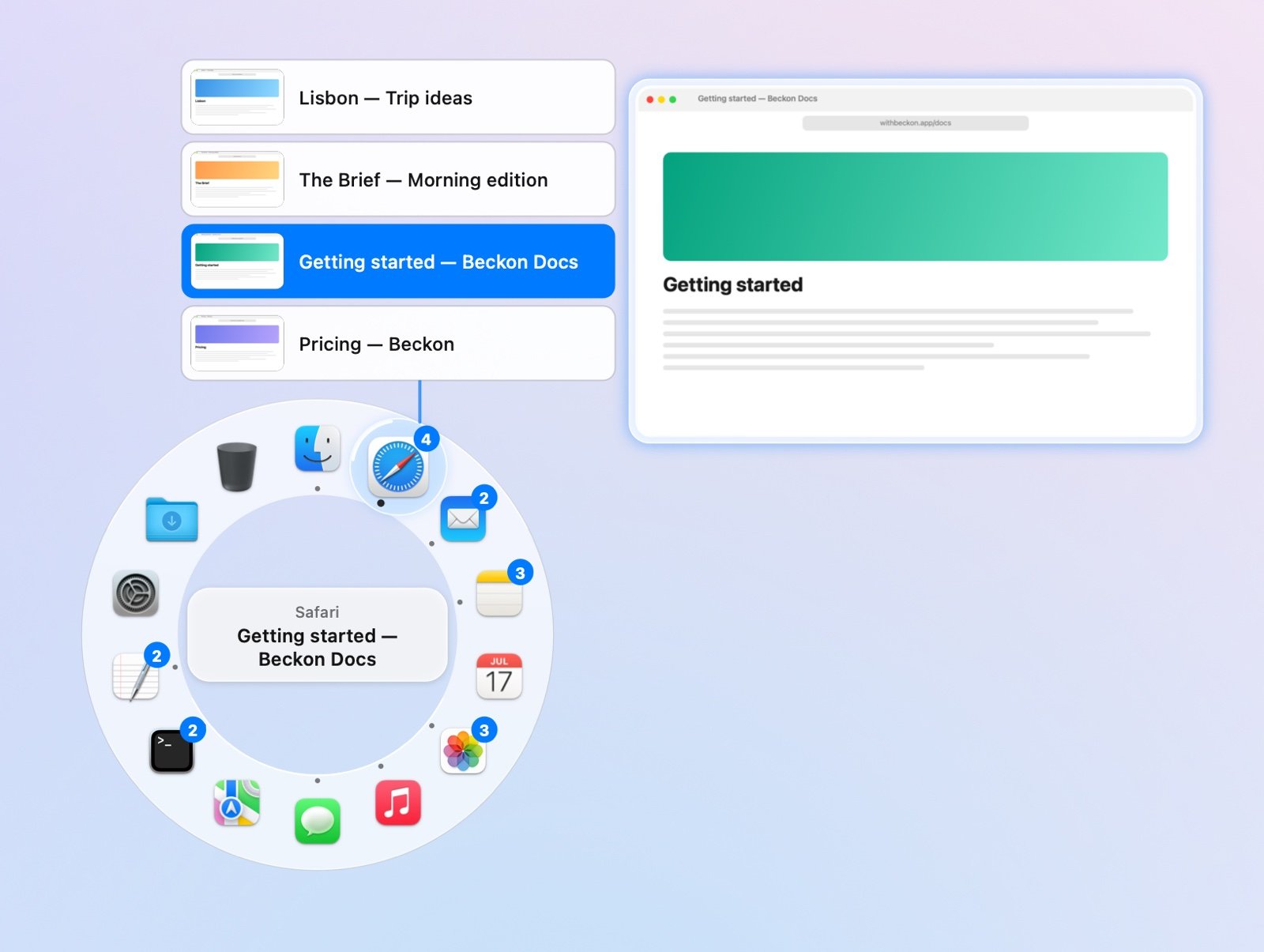
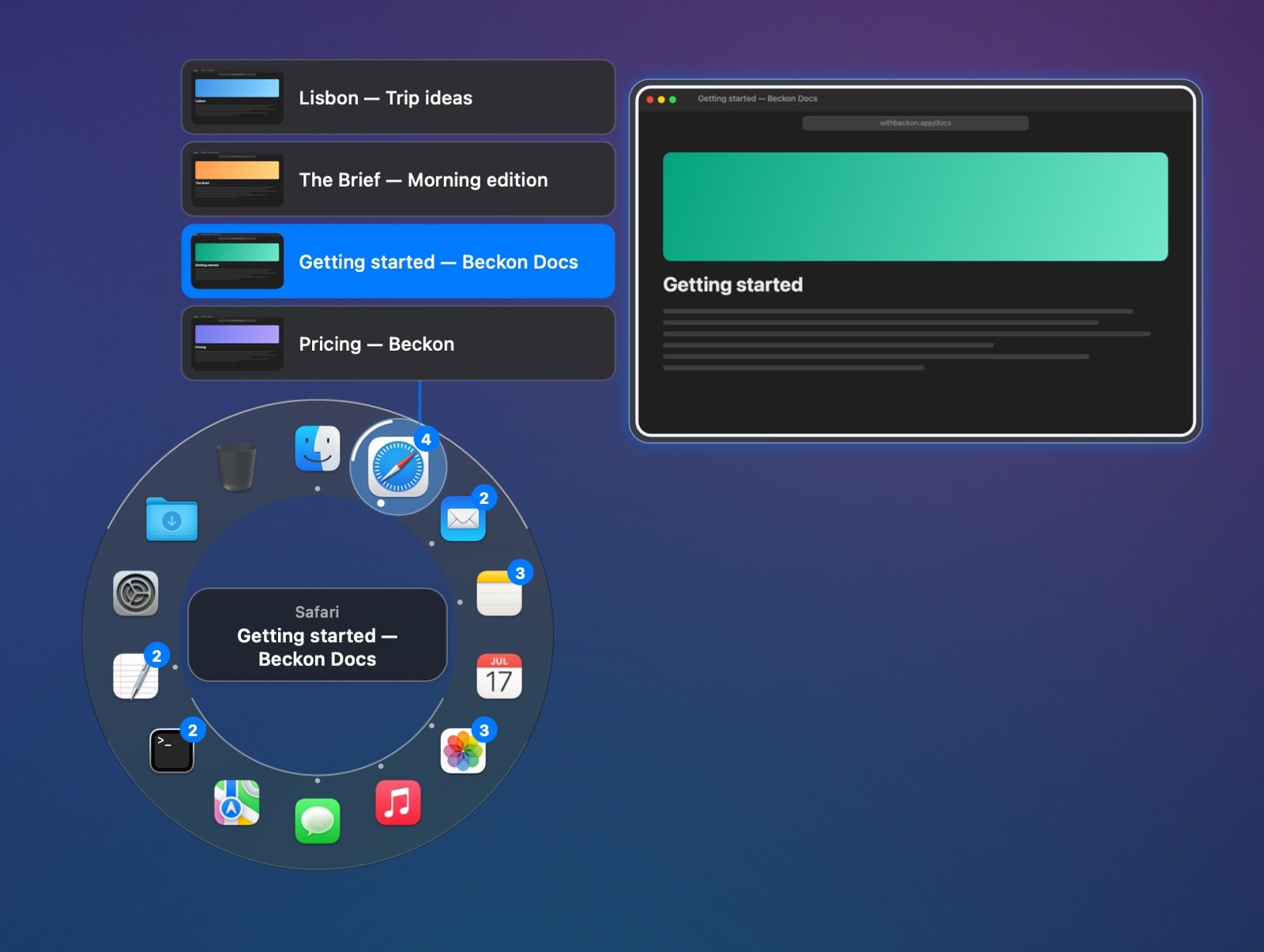
The column, with thumbnails. The hovered window opens a large preview beside the list.
- Minimized windows come last, dimmed and marked “minimized”. Picking one restores it.
- Many windows: the arc shows up to 9. With more, the last one becomes +n, which switches to the app.
Getting there
Moving from the app to its windows, you’ll often cross other apps’ icons, or the ring’s middle when the windows are on the far side. Beckon keeps the windows open while you’re heading for them, the way a menu keeps a submenu open.- Pause on the way, for about a quarter of a second, and the windows close. Pausing on another app’s icon switches to that app.
- Crossing the middle picks nothing, so letting go there still cancels.
- Back to apps: move onto another app’s icon to see its windows, or stay inside the ring of icons to pick apps only.
Thumbnails
Turn on Settings → Windows → Window thumbnails to see each window as a small picture.- Outer arc: each window is a card. The one you point at grows so you can read it, and its neighbours grow a little.
- Column: each title has a small thumbnail, and the one you point at opens a large preview beside the list.
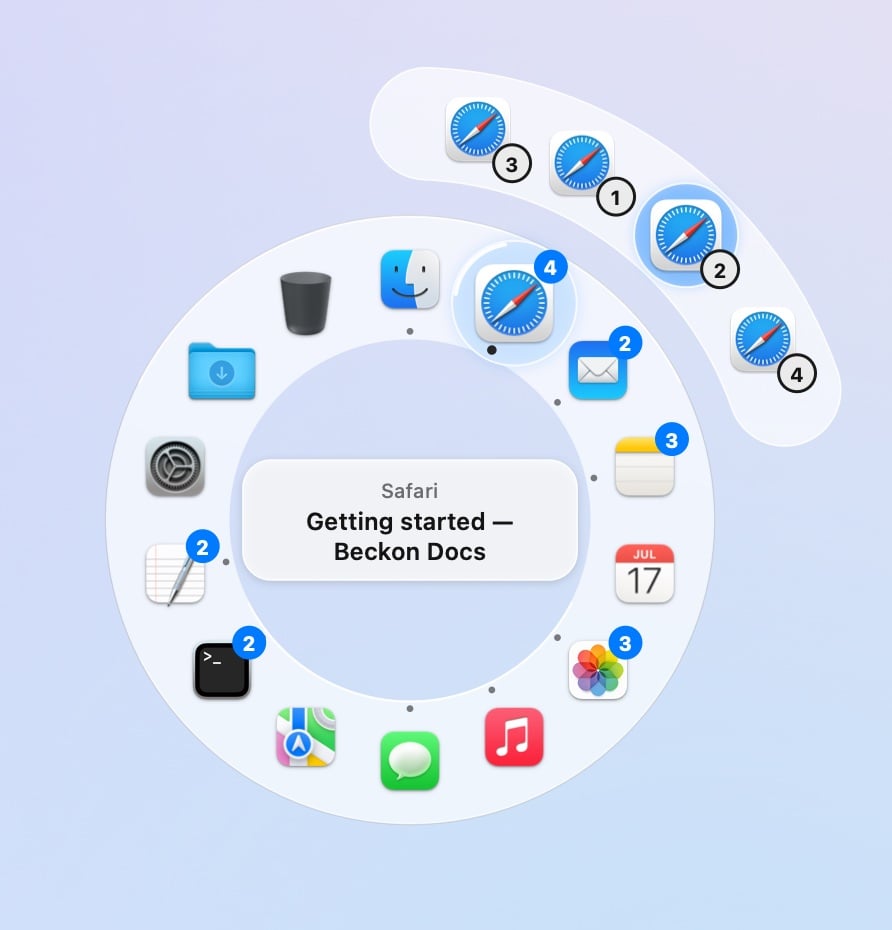
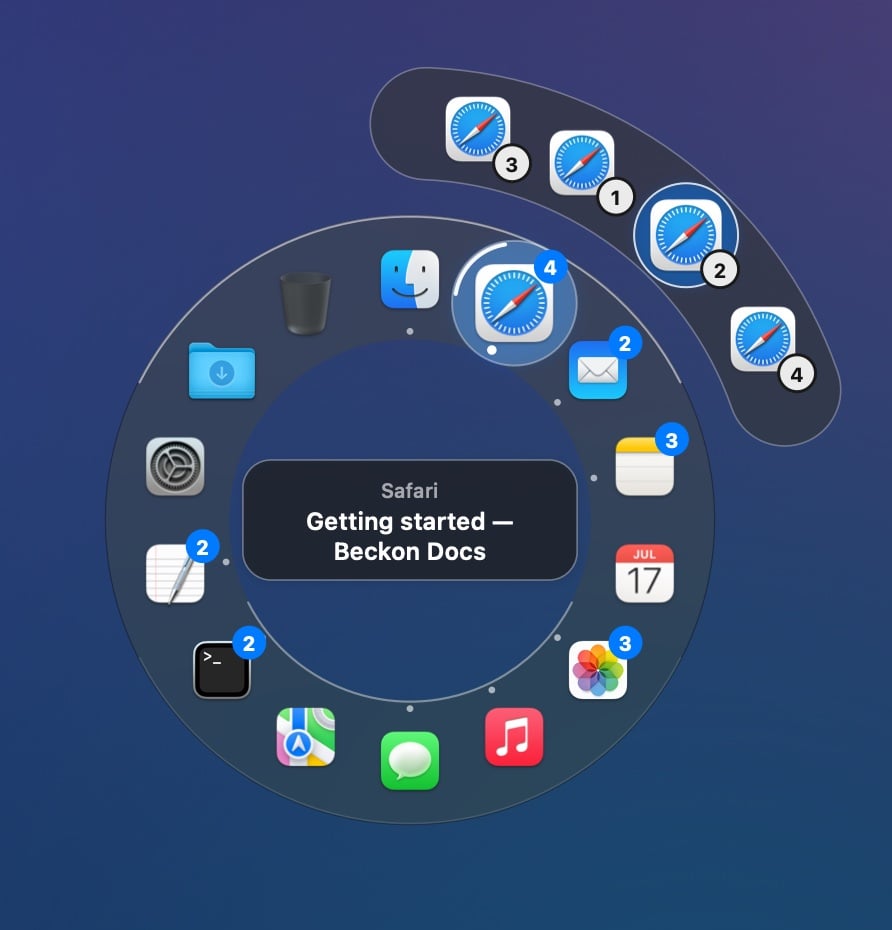
The outer arc without thumbnails.
macOS may ask now and then whether Beckon can keep recording your screen. Allow it to keep
thumbnails; deny it and windows show as icons and titles.